Back to School Bella Canvas Mockup 042: A Powerful Tool for Designers and Creators
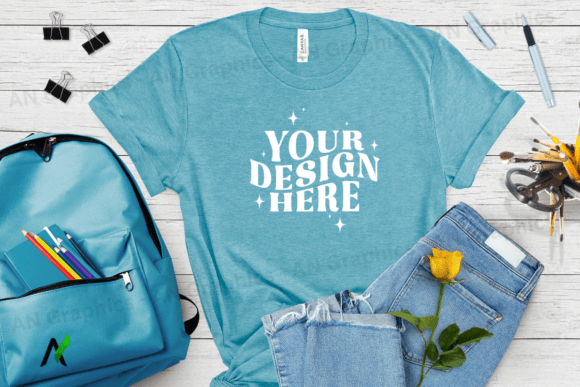
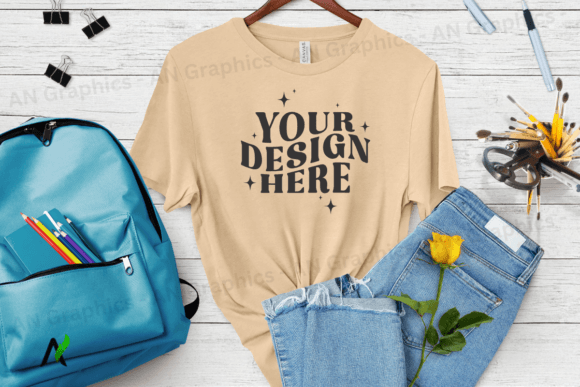
If you're a designer, marketer, or small business owner looking to showcase your t-shirt designs in a professional and visually appealing way, the Back to School Bella Canvas Mockup 042 is an essential tool. This high-resolution JPEG mockup allows you to present your creations with confidence, ensuring that your designs look polished and ready for production. Whether you're creating custom t-shirts for a school event, a local store, or your own brand, this mockup helps you visualize how your design will appear on a real garment.
What Makes Back to School Bella Canvas Mockup 042 Stand Out?
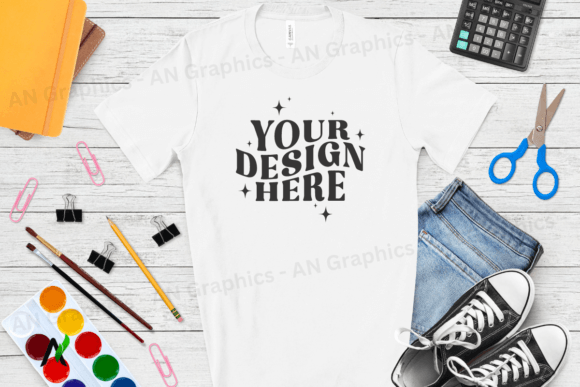
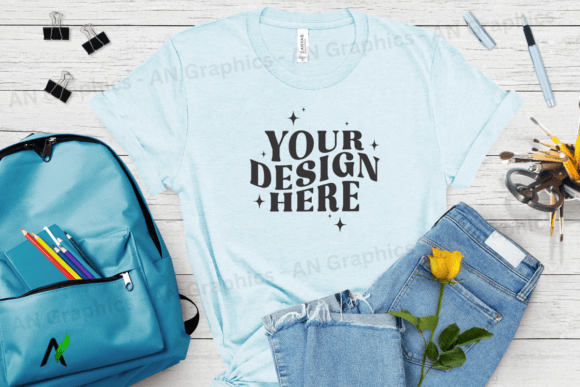
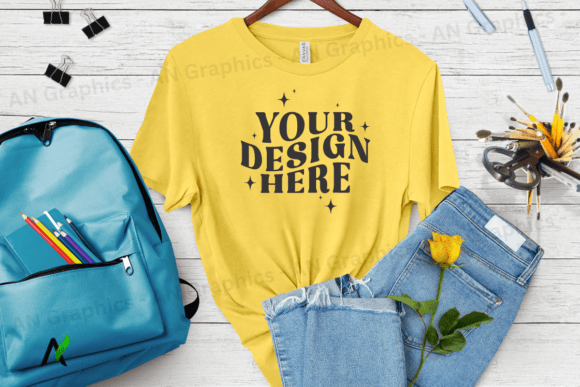
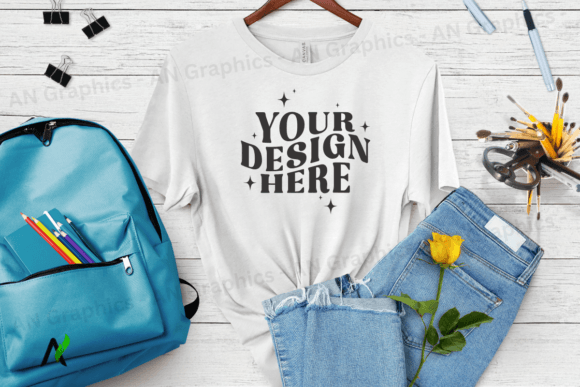
The Back to School Bella Canvas Mockup 042 is specifically designed for the Bella Canvas 3001 t-shirt, which is a popular choice for its comfort, durability, and classic fit. The mockup features a Color Soft Cream variant, making it ideal for showcasing light-colored designs that stand out against a neutral background. With a resolution of 3750 x 3000 px at 300 dpi, the image is sharp and clear, perfect for both digital and print use.
One of the biggest advantages of this mockup is its simplicity. Unlike more complex PSD files, this flat high-resolution JPEG is easy to work with. You can simply layer your design or text over the mockup using any photo editing software like Photoshop or Canva. There are no smart objects or hidden layers, so you don’t need advanced technical skills to get started.
Common Mistakes When Using Back to School Bella Canvas Mockup 042
While the Back to School Bella Canvas Mockup 042 is user-friendly, there are some common mistakes that designers and creators often make when using it. Understanding these pitfalls can help you avoid unnecessary frustration and ensure better results.
- Overlooking the file format: Some users assume they can edit the mockup directly, but since it’s a JPEG, you can't make changes to the background or fabric texture. Always place your design on top of the mockup rather than trying to alter the base image.
- Ignoring resolution requirements: Using a low-resolution image can result in pixelation, especially when scaling up for print. Always check that your design is created at the same resolution as the mockup (300 dpi) to maintain quality.
- Not testing on different backgrounds: While the Color Soft Cream variant is versatile, it's still important to test your design on other colors or patterns to ensure it looks good in various contexts.
- Using watermarked images: Some free mockups come with watermarks or logos that may not be removed easily. Always verify that the downloaded image is completely blank and ready for use without any additional editing.
How These Mistakes Affect Your Work
Making these errors can lead to several issues, including poor presentation, wasted time, and even customer dissatisfaction. For instance, if you use a low-resolution image, your design may look blurry or unprofessional when printed. Similarly, if you fail to remove a watermark, your final product might not meet the expectations of your clients or customers.
Additionally, using a mockup that doesn’t match the actual shirt can mislead buyers. If your design looks great on a white mockup but doesn’t translate well to the real product, it could damage your brand’s credibility. It’s crucial to always test your design on the exact mockup you plan to use before finalizing your work.
Practical Tips for Using Back to School Bella Canvas Mockup 042 Effectively
To get the most out of the Back to School Bella Canvas Mockup 042, follow these best practices:
- Use the right software: While the mockup is compatible with most photo editing tools, Adobe Photoshop offers the most precise control over layering and transparency. Canva is also a great option for beginners due to its intuitive interface.
- Check for compatibility: Before downloading, make sure the mockup is formatted correctly for your intended use. Confirm that it’s a high-resolution JPEG and that it has no hidden elements or watermarks.
- Layer your design properly: Place your artwork on top of the mockup without overlapping the fabric or seams. This ensures that your design appears natural and realistic.
- Test on multiple devices: Preview your design on different screens to ensure that colors and details remain consistent across all platforms.
- Save in the correct format: Always save your final mockup in a high-quality format like PNG or PDF to preserve clarity and detail for printing or sharing online.
What to Check Before Using Back to School Bella Canvas Mockup 042
Before you start working with the Back to School Bella Canvas Mockup 042, take a few moments to review the following:
- Resolution and DPI: Ensure the image is 300 dpi and matches the size of your design.
- File type: Confirm that it’s a flat JPEG and not a layered PSD file.
- Watermark status: Verify that the image is completely blank and free from any branding or logos.
- Compatibility: Check that the mockup works with your preferred editing software.
- Design placement: Make sure your design fits well within the mockup and doesn’t distort or overlap the shirt’s structure.
By carefully reviewing these aspects, you’ll set yourself up for success and avoid potential setbacks down the line.